Updated November 2026 · 18+
Uncensored AI video generator: 18+ AI videos with the same face
Most AI video tools block adult content outright, and the few that allow it rarely keep the face from your photos. Here are the options that work in 2026 and the 4-step workflow creators use to get the same woman from photo to video.
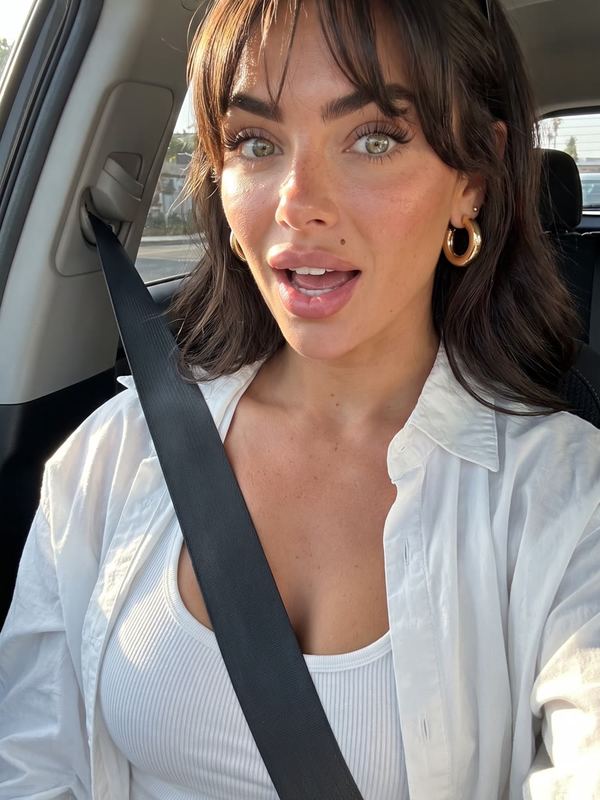
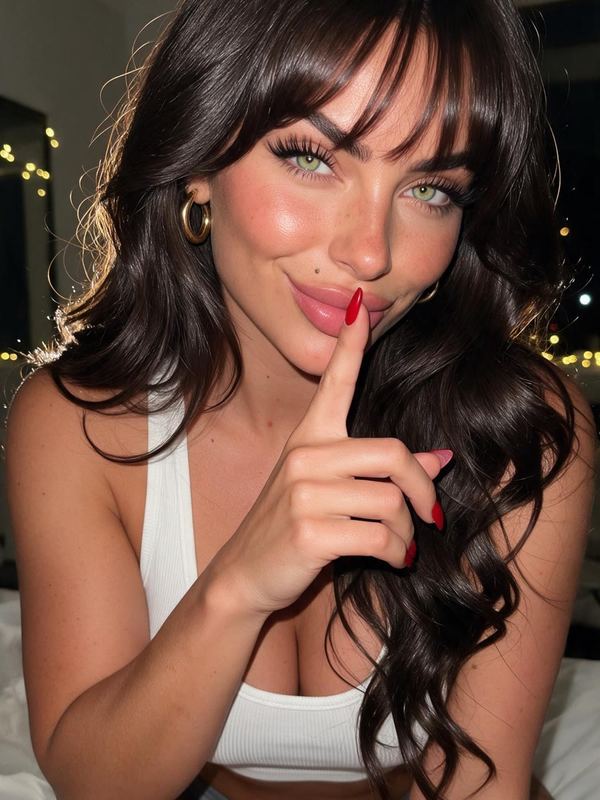
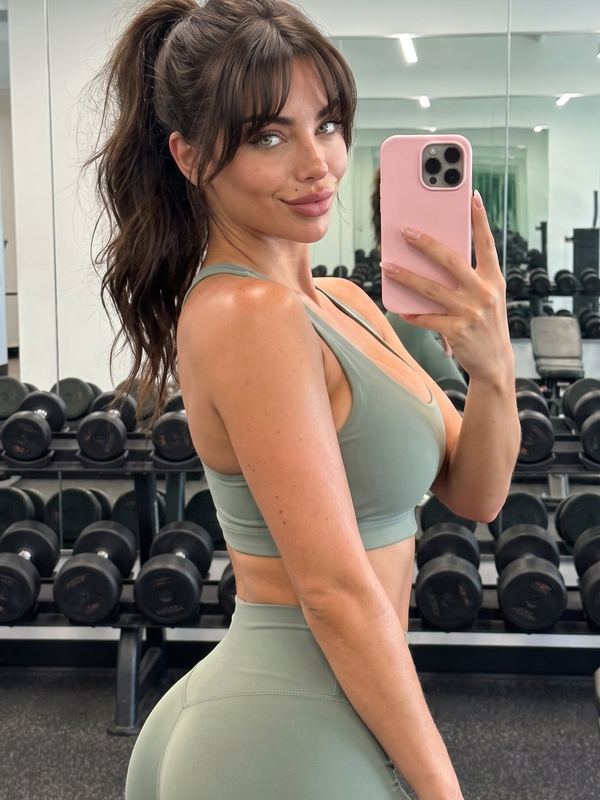
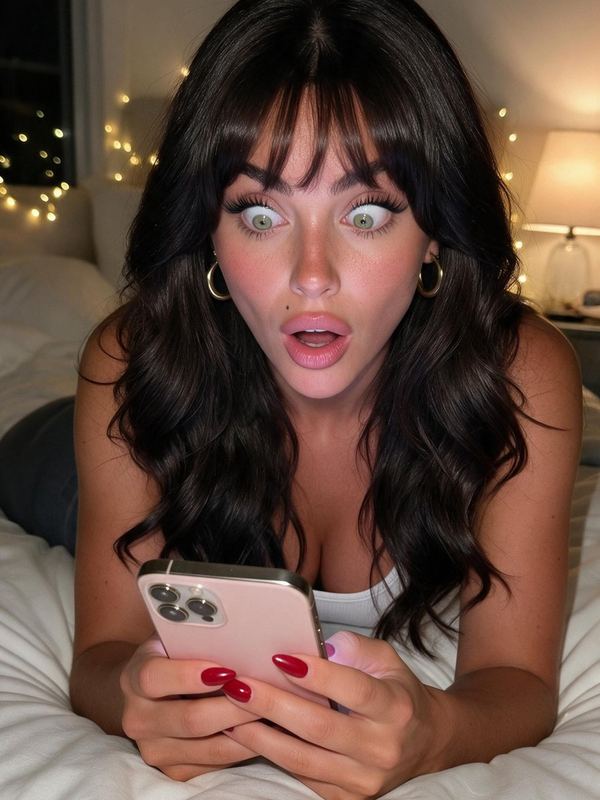
Uncensored AI video options in 2026
1. The AI Model Lab
Same AI model from photo to 18+ video, with speech
+ Image-to-video and reference-to-video from your locked model, lip-synced speech, everything in the browser, 18+ with age check
− Video costs more credits than photos: packs from US$ 11.90
2. Open-source video models (Wan, HunyuanVideo) run locally
Full control on your own hardware
+ No platform rules, free weights, community workflows
− Needs a high-VRAM GPU and setup; face consistency depends on your own pipeline
3. Companion apps (Candy.ai and similar)
Short clips of a chat character
+ Clips tied to a companion you already chat with
− Video is a side feature; little control over scene, camera and length
4. Mainstream video tools (Runway, Kling, Sora, Veo)
SFW cinematic clips
+ High motion quality
− Adult content is blocked by policy
Third-party descriptions come from each product’s public website in November 2026. Policies change: check the current rules of each tool before you pay.
Why the face changes in most AI videos
Text-to-video invents a new person on every run. To keep the same woman, the video has to start from her: either from a photo of your model (image-to-video) or from her reference (reference-to-video). Without that, you get a lookalike at best.
The 4-step workflow
- Lock the model once: identity prompt (adult woman, 18+), one reference photo, 6-angle pack.
- Generate the photo of the scene you want: outfit, place, pose, phone-selfie lighting.
- Animate that photo: describe the motion and camera in one sentence.
- Add speech if you want her to talk: type the script and the lips sync to the voice.
Prompt tips that keep it realistic
Describe the camera like a phone ("handheld selfie video, natural light"), keep one action per clip, and extend the clip instead of asking for a long one. Write "adult woman, 25 years old" in every prompt: serious platforms require it, and it also keeps the age look consistent.
Frequently asked questions
Is there an uncensored AI video generator?
Yes. The AI Model Lab is an 18+ platform with age check that turns photos of your AI model into video, including speech with lip sync. Locally, open-source models such as Wan can run without platform rules.
How do I keep the same face in an AI video?
Start the video from a photo or reference of your model (image-to-video or reference-to-video) instead of text only.
Can my AI model talk in the video?
Yes. In The AI Model Lab you type the script and the model says it with synced lips.
Why do Runway, Kling, Sora and Veo block my prompt?
Their policies forbid adult content. For 18+ fictional adult characters you need a platform built for it, with age verification.
How much does uncensored AI video cost?
It depends on length and model. In The AI Model Lab, packs start at US$ 11.90 with no subscription and plans at US$ 39.90 per month.
More guides
- Best uncensored AI image generators in 2026
- Best Candy.ai alternatives in 2026
- Best Promptchan alternatives in 2026
- Best SoulGen alternatives in 2026
- Best OurDream.ai alternatives in 2026
- How to create an AI OnlyFans model in 2026 (same face, photo and video)
- Same face AI generator: one consistent AI character in every photo
- Free NSFW AI generator: what you really get for free in 2026
- AI girlfriend photo generator: realistic pictures of the same woman
- Realistic AI selfie generator: phone-photo realism for your AI model
- Uncensored AI prompts that look like real photos (adult women, 18+)
- The AI Model Lab · prompts
- The AI Model Lab · compare